My first real job hunt felt overwhelming. It didn’t matter how often I updated my resume or practiced my interview answers—something was always missing. I only realized later that I needed a digital portfolio. Once I pieced it together, recruiters finally paid attention.
Why a digital portfolio matters
There was a time when a simple resume might have been enough. Now, a digital portfolio often acts as a first impression. Not just for creative folks either—anyone can benefit.
Your work deserves to be seen, not hidden in an attachment.
A digital portfolio makes your skills, projects, and results easy to share and view online. In my experience, this also helps people remember you, especially if you’re sending out dozens of applications.
Understanding your goals
I always ask myself: What do I want this portfolio to do? Sometimes it’s about showing design projects. Other times, it’s writing, coding, or even event management. Think carefully about your first goal:
- Landing a new job
- Freelancing
- Switching careers
- Building professional credibility
Once I’m clear on the goal, deciding what to include gets much easier.
Gathering your content
Now comes the part I used to dread: collecting everything. I would gather anything that spoke to my abilities. Even small wins were helpful in the beginning.
- Samples of your work (articles, designs, code, presentations, data analysis charts, event plans)
- Certificates or awards
- Letters of recommendation
- Short case studies of successful projects
- Personal statement or bio
Real results matter more than long-winded descriptions. Even as a beginner, one well-explained student project or a volunteer role can leave a strong impression.
Choosing your platform
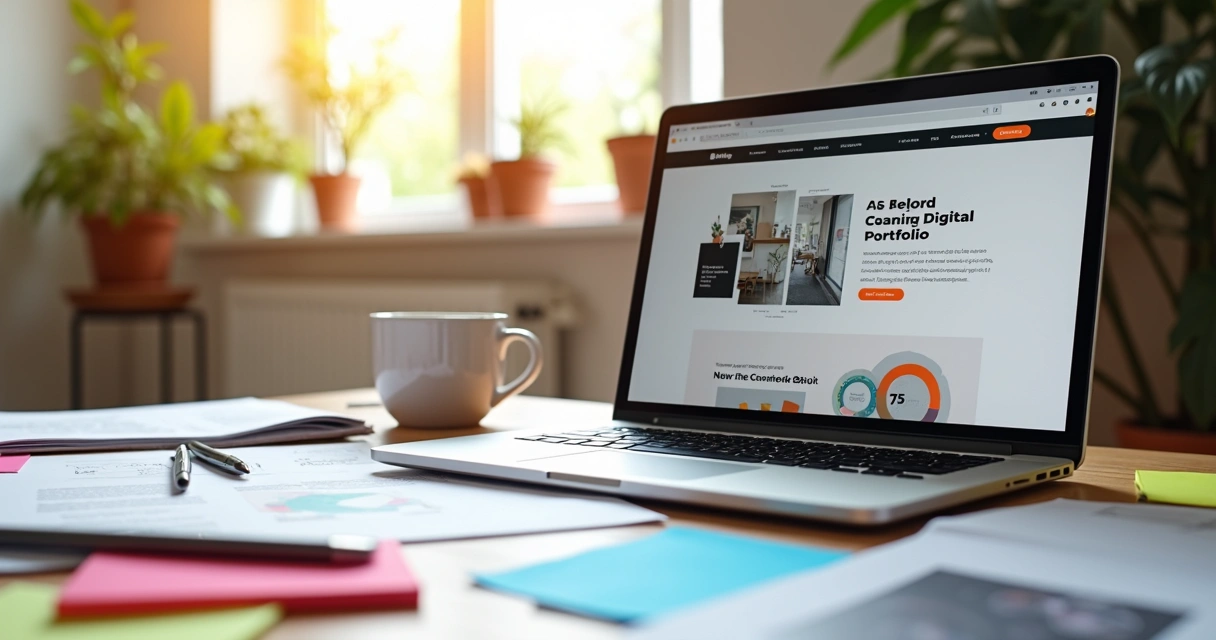
There are free and paid website builders, blogging tools, and even portfolio-specific platforms. I remember picking one that felt easy to use and didn’t distract from my content. The look should fit your profession, but don’t obsess over it at first.
- Easy to update (and not intimidating)
- Lets you share images, files, or code as you need
- Allows for some personalization
Focus on content first. You can always upgrade the design later.
Structuring your portfolio
When setting up my first portfolio, I learned that structure is everything. Aim for clarity—don’t bury your best work behind confusing menus. Here’s a simple flow that’s worked for me:
- Homepage: Brief intro, your role, and what you do best
- Work samples: Grouped by type or skill
- About me: Short story about your background and what you hope to do next
- Contact details: Email, social profiles, or a simple contact form
The best digital portfolios feel simple and friendly, not overloaded. I once packed too much in, and people skipped straight to my contact info, missing all the good stuff.
Writing about your work
A picture might catch attention, but words give it meaning. For every project, I try to answer three questions, in just a few lines:
- What was the task or problem?
- What did I actually do?
- What happened as a result?
If I made mistakes along the way (and I usually have), I mention those too. A portfolio isn’t about proving perfection. People connect to honesty, not just polished results.
Every project tells a story—let yours breathe a little.
Making it personal
When I first started, I hesitated to include anything personal. Would talking about my passion for photography help my tech portfolio? I decided to try. Turns out, those tiny details made people curious. A short hobby section or a photo of you working can feel surprisingly warm, which is rare online.
Keeping it updated
The biggest mistake I made was letting my portfolio sit untouched for months. When I wanted a new job, it felt stale. I try to update mine twice a year—sometimes with tiny projects, sometimes with bigger changes. Even a new skill or certification belongs there. It keeps the portfolio alive and paired to your growth.
Sharing your portfolio
The link to your digital portfolio is as important as your resume. I include it in email signatures, on my LinkedIn, sometimes even in cover letters. Often, it’s the portfolio that wins over a hesitant employer.
Share your work where it can be found.
Conclusion
Building a digital portfolio changed how I approached job searching. Instead of trying to cram my whole story into one page, I give people a place to look around, get curious, and reach out. Even if you only have a handful of projects, that’s enough to start. I believe that most employers care less about perfection than about seeing real, honest work.
Frequently asked questions
What is a digital portfolio?
A digital portfolio is an online collection of your work, skills, and achievements that you can share with potential employers or clients. It goes beyond a traditional resume by giving examples and context.
How to start building a portfolio?
Start by collecting samples of your work, even if they are from school, volunteering, or personal projects. Choose a simple platform to arrange them, then organize your best work clearly, with short descriptions.
What should I include in my portfolio?
Include your best work, short explanations for each project, your bio, contact details, and any certifications or testimonials you have. People usually prefer a few strong pieces over a long list.
Where can I host my portfolio online?
You can host your portfolio on personal websites or platforms that allow you to create and customize simple pages. Choose a platform that fits your skills and feels comfortable to use.
Is it worth it to make a portfolio?
Yes, making a digital portfolio gives you an edge by letting others see your work in action. It can make your applications stand out and open new opportunities, even if you’re just starting out.