Starting an online store feels both exciting and overwhelming. Maybe you’ve got a product in mind or a collection of ideas scribbled on napkins, just like I did years ago. The good news? You don’t need stacks of cash or fancy tech skills to get started. With careful planning, a dash of creativity, and some trial and error, setting up your own digital storefront can actually fit a tighter budget.
Think simple and clear: what will you sell?
Every online store starts with a simple question: What am I going to sell, and who am I selling to? I remember once choosing over a dozen random products, thinking more would mean more sales. It didn’t. Focus changed everything. Eventually, I narrowed it down, listened to friends’ feedback, and found a niche that matched my interests and skills.
- Pick products you know (or love to learn about)
- Research if there’s demand—scan forums, ask in groups, and check what people struggle to find
- Make sure you can source—or create—these items affordably
Map out your core costs
I often meet people who jump right in without mapping expenses. That’s risky. Budgeting keeps you grounded and helps you avoid surprises, even the small ones. Here’s how I start:
- Domain registration
- Store platform or hosting
- Payment processing fees
- Packaging and shipping (if selling physical goods)
- Marketing—even if it’s just a small ad budget or giveaway
Write down estimated costs before you spend a cent.
Pick a low-cost store platform
In my experience, you don’t need to splurge on web development. There are user-friendly platforms specifically for beginners on a budget. Some are even open-source, meaning you only pay for the hosting. The key thing is:
Pay for only what you use, nothing more.
Look for:
- Transparent monthly pricing
- No hidden transaction fees
- Included basics: SSL certificate, mobile-responsive design, and templates
Get the right domain name
Choosing a web address isn’t as scary as it sounds. I always look for domains that are simple, easy to spell, and reflect what I offer. Here’s my quick advice:
- Stick to “.com” if possible (though others are fine too)
- Keep it under 15 characters, if you can
- Avoid dashes and numbers—the fewer, the better
Domain registration is usually a small, yearly cost—sometimes less than your daily coffee habit.
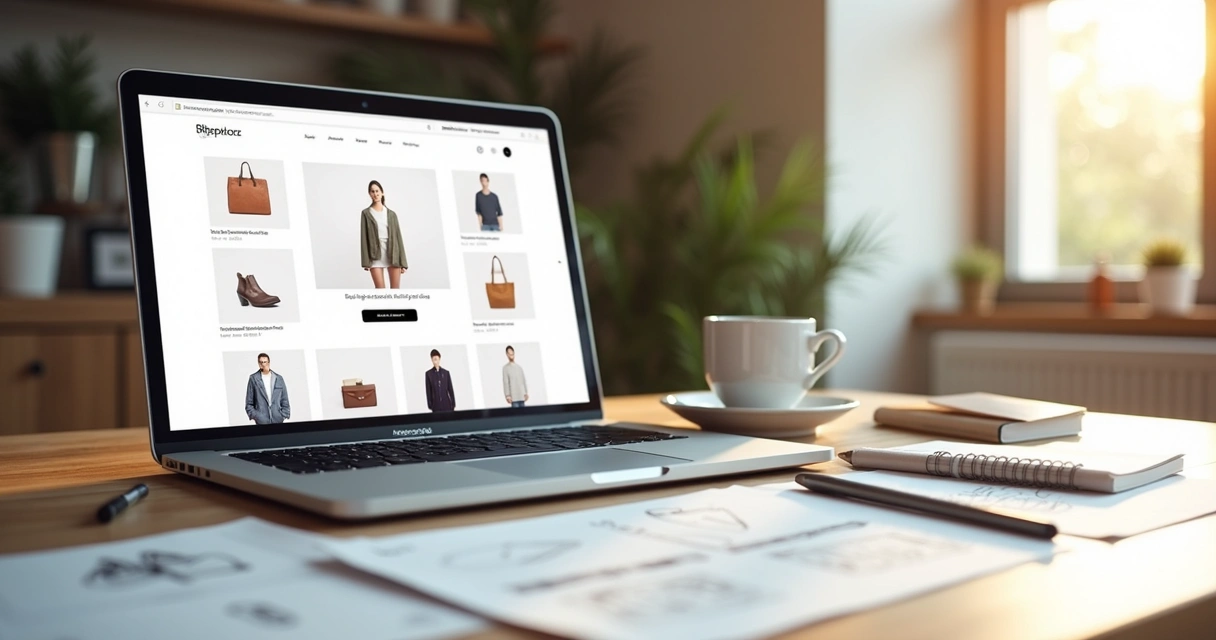
Design your store: templates save money fast
Professional designs once cost a fortune. Nowadays, you can use a free or low-cost template from your platform. I’ve found that:
What matters most is clarity and easy navigation.
- Pick a template made for your type of product (fashion, gadgets, food, etc.)
- Customize only what you need—colors, font, logo
- Make sure it looks good on mobile devices
Write simple, honest product descriptions
I used to think longer was better, describing every aspect in flowery detail. Turns out, people want direct answers. Describe your products as if you’re talking to a friend, covering what it does, who it’s for, and why it’s worth buying.
- Bullet points work wonders for features
- Explain the benefits (“Keeps coffee hot for 10 hours, fits in a car cupholder”)
- Answer common questions in the description
Take your own product photos (DIY style)
You don’t need professional equipment. With a clean background, natural light near a window, and a decent smartphone—your products can look great. I often set up a quick photo space using white poster board. Remember:
Real photos build trust.
Take shots from multiple angles. Show close-ups and the product being used, if possible.
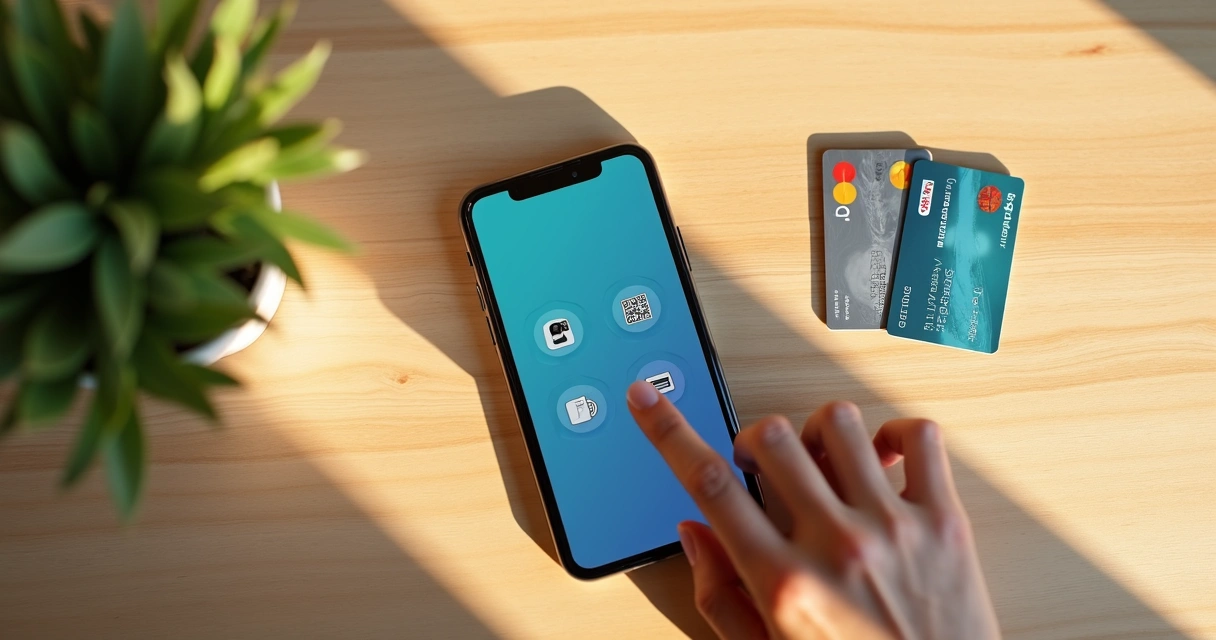
Set up affordable payment options
When I began, the world of payment platforms confused me. Simplify things—choose what’s trusted and easy to start with. These days, most platforms are beginner-friendly and take care of security for you. Fees matter, so:
- Find one with low transaction fees
- Check that it connects with your store platform easily
- Think about customer convenience—credit, debit, and local methods
Focus on simple marketing first
At first, I thought I needed hundreds for advertising. Most of my early traffic came from sharing in small interest-based groups, or asking friends to try my store and spread the word. Here’s what works for beginners:
- Social media posts showcasing products (don’t just post—engage)
- Ask happy buyers to share photos or reviews
- Treat every visitor or customer with genuine care—that’s the marketing that matters most
Keep improving, even if it’s slow
Your first version doesn’t need to be perfect. Every online business I started looked different after a few months. Track which pages people visit, what sells, and where they leave. Free analytics tools are enough to begin with. Use small bits of customer feedback to adjust descriptions, photos, or your checkout process.
I learned that small, steady tweaks make a bigger impact than waiting for everything to line up perfectly. Sometimes, “good enough” is all you need to keep going.
Conclusion
Launching an online store in 2026 can be refreshingly simple (and affordable) if you use a step-by-step plan and keep both feet on the ground. There will be tiny setbacks—the kind you laugh about later. Choose budget-friendly tools, invest energy where it counts, and don’t be scared to start small. Every store, big or tiny, begins this way. If you’re on the fence about selling online, trust that it’s possible even with a tighter budget. And sometimes, that very limit sparks the creativity needed to stand out.
Frequently asked questions
What is the cheapest way to start?
The cheapest way to start an online store is by using a beginner-friendly, low-cost platform that offers free templates, and keeping inventory small or dropshipping to avoid upfront costs. Register a domain, set up a basic store, and start with DIY photos and marketing to reduce spending further.
How much does an online store cost?
I’ve seen basic online stores launched for as little as $100-$300 upfront, covering a year of domain registration, first month of platform use, and basic marketing. Ongoing monthly costs usually range from $20 to $60, depending on added features, marketing, and any extra tools you decide to use as you grow.
Where to find free store templates?
Most popular e-commerce platforms include a library of free templates with their starter plans. I’d suggest picking one that fits your product style and tweaking just the necessary things, like color and logo, so you save both time and money.
Is it worth it to sell online?
Selling online is worth trying if you want flexibility, low upfront costs, and the chance to learn real business skills from scratch. You will face slow days and tough challenges, but the experience itself can be rewarding—financially and personally—for many people.
What are the best budget payment platforms?
From what I’ve seen, the best budget payment platforms are the ones that charge lower transaction fees, offer built-in fraud protection, and are built to connect easily with the platform you choose to use. Always compare fee percentages and look for no monthly costs if you want to keep expenses down. Some may even let you get started for free, only charging when you make a sale.